Download raw (2.2 KB)
A repo for small PDF utilities.
# Convert PDF RGB to only-Black
This will convert an RGB PDF (even if it appears only black) to `input-K.pdf`.
./color_convert.sh black input.pdf input-K.pdf
# Convert PDF from RGB to CMYK
Dependencies:
- `gs` (Ghostscript)
- `pdftops`
This will convert a PDF to `input-cmyk.pdf`.
Usage:
./rgb2cmyk.sh input.pdf
## Overprint
If you need overprint, This command will convert a PDF to `input-cmyk-op.pdf` :
./rgb2cmyk.sh input.pdf overprint
# Combine PDFs having different color modes
Dependencies:
- `gs` (Ghostscript)
- `pdftk` (for multistamp)
This will convert each input PDF file to the corresponding color mode (black, cmyk or spot color), then combine the resulting files on top of each other.
## Example
Overlaying a black PDF, a coloured PDF and a spot color PDF (this one is exported full-black and is colored by the script):
./color_convert.sh black,cmyk,spot-PANTONE 705 U-0.9 0.1 0.5 0.1 input_layer1.pdf,input_layer2.pdf,input_layer3.pdf output.pdf
# Check color separations
Dependencies:
- `gs` (Ghostscript)
- `magick` ([ImageMagick](https://www.imagemagick.org/))
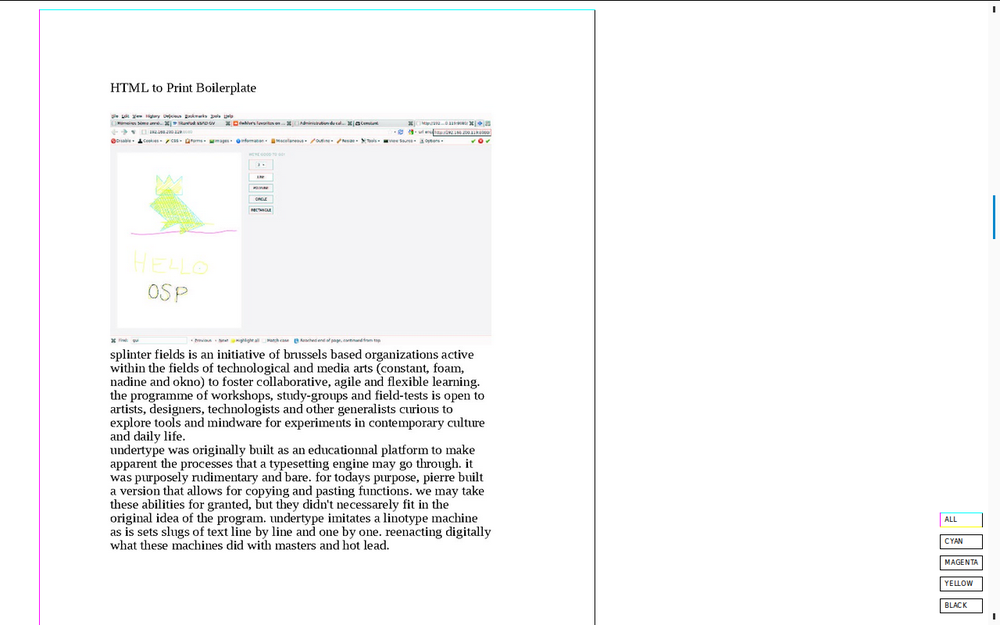
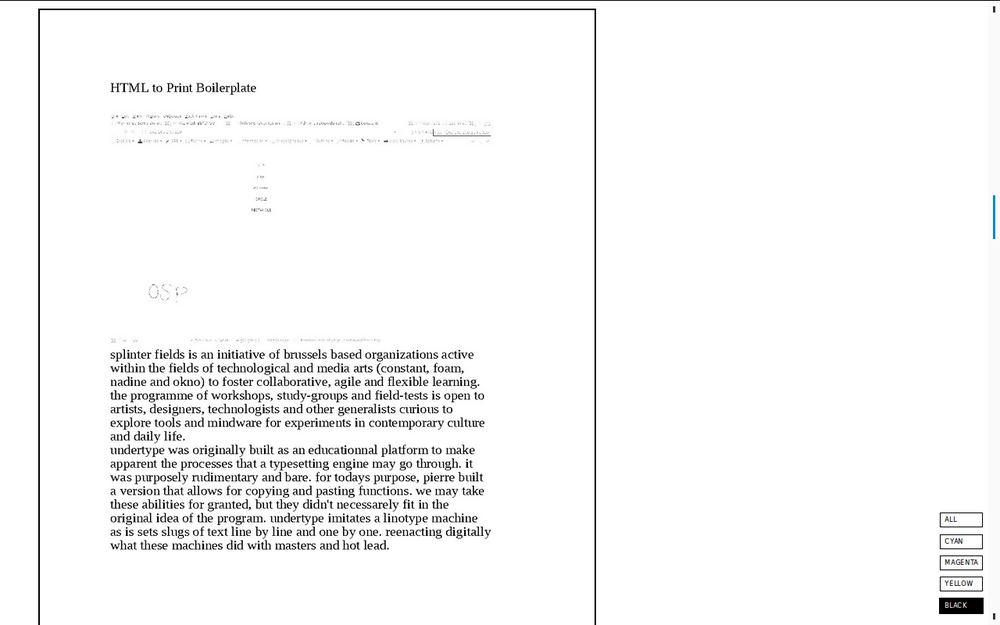
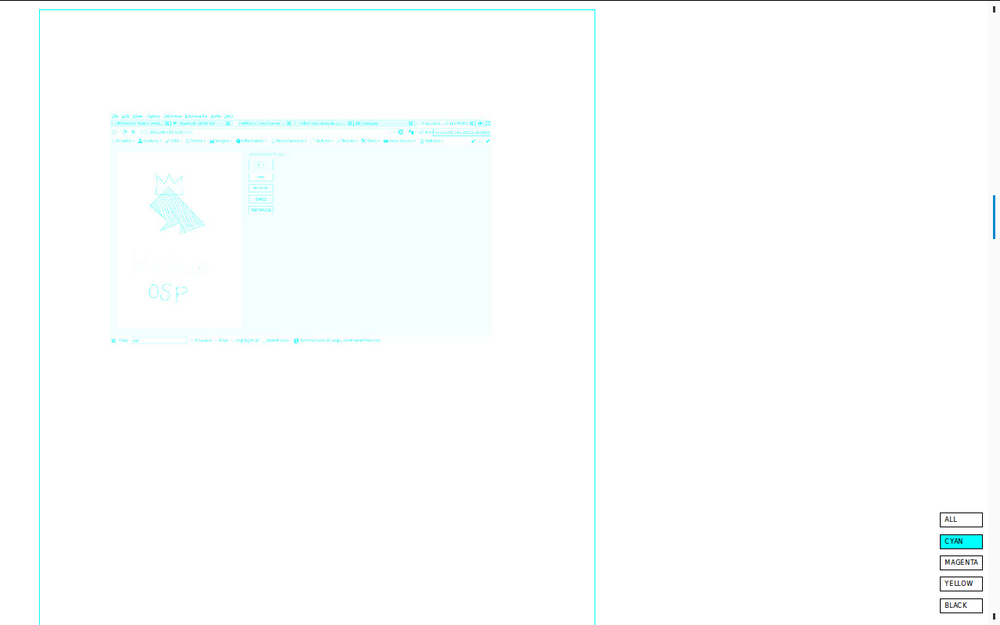
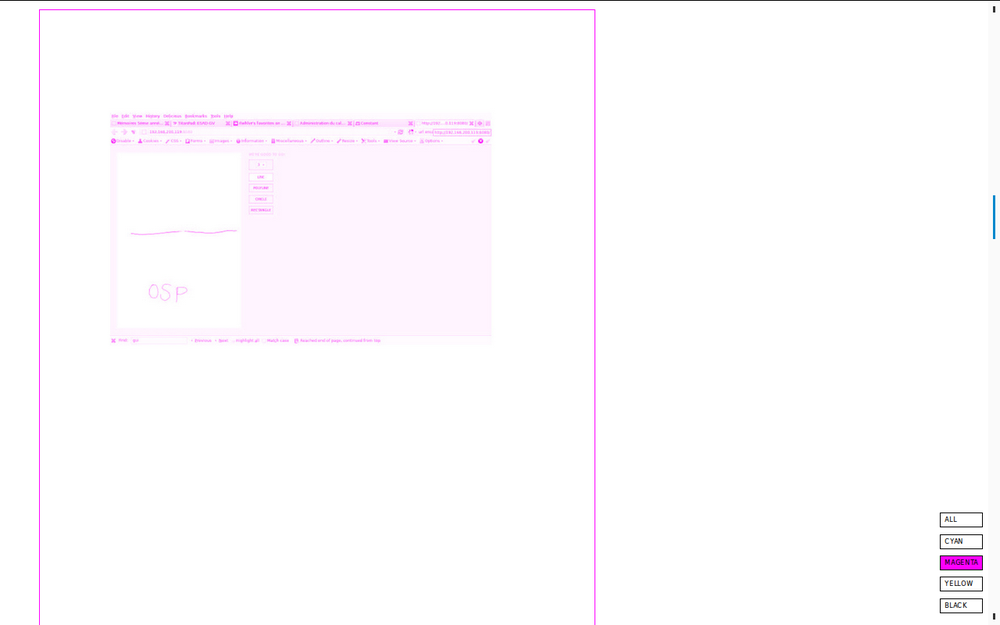
This makes black and white images of each CMYK plates and makes a small
HTML page to preview the plates. It will output blank plates if your PDF is in
RGB.
Usage:
./colorSeparation.sh input-cmyk.pdf
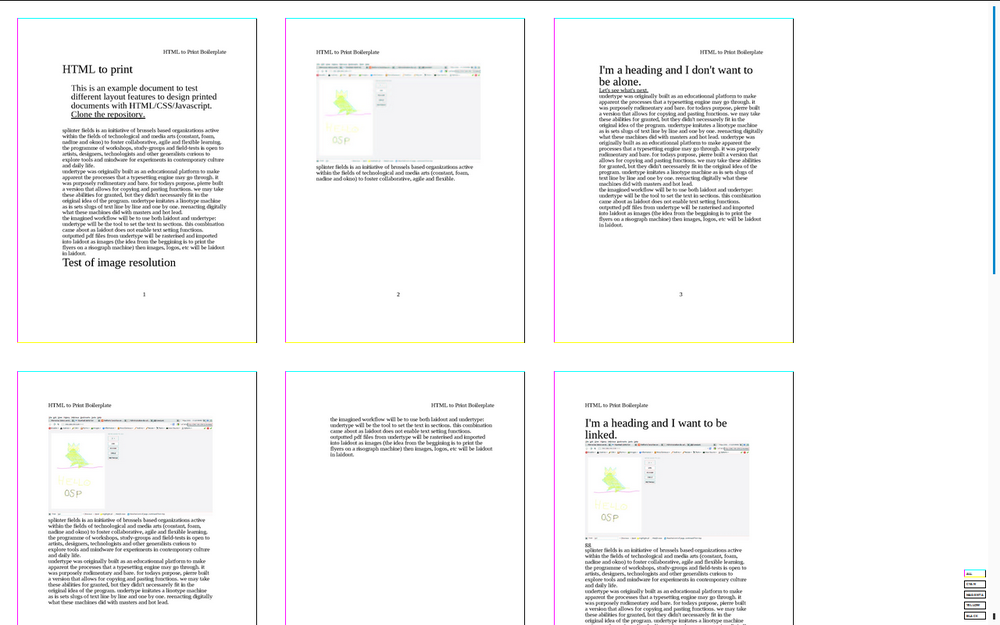
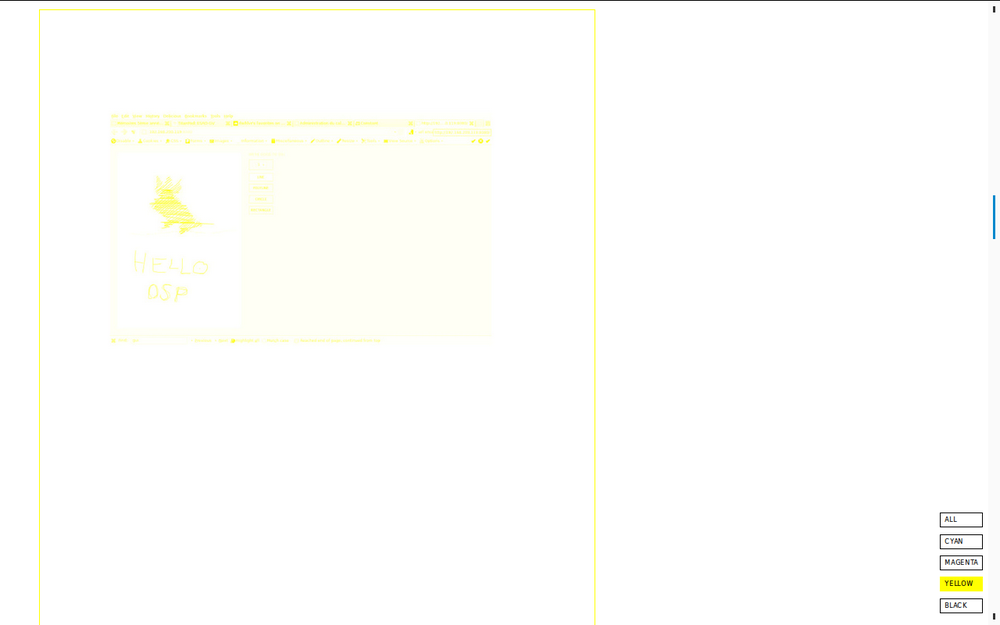
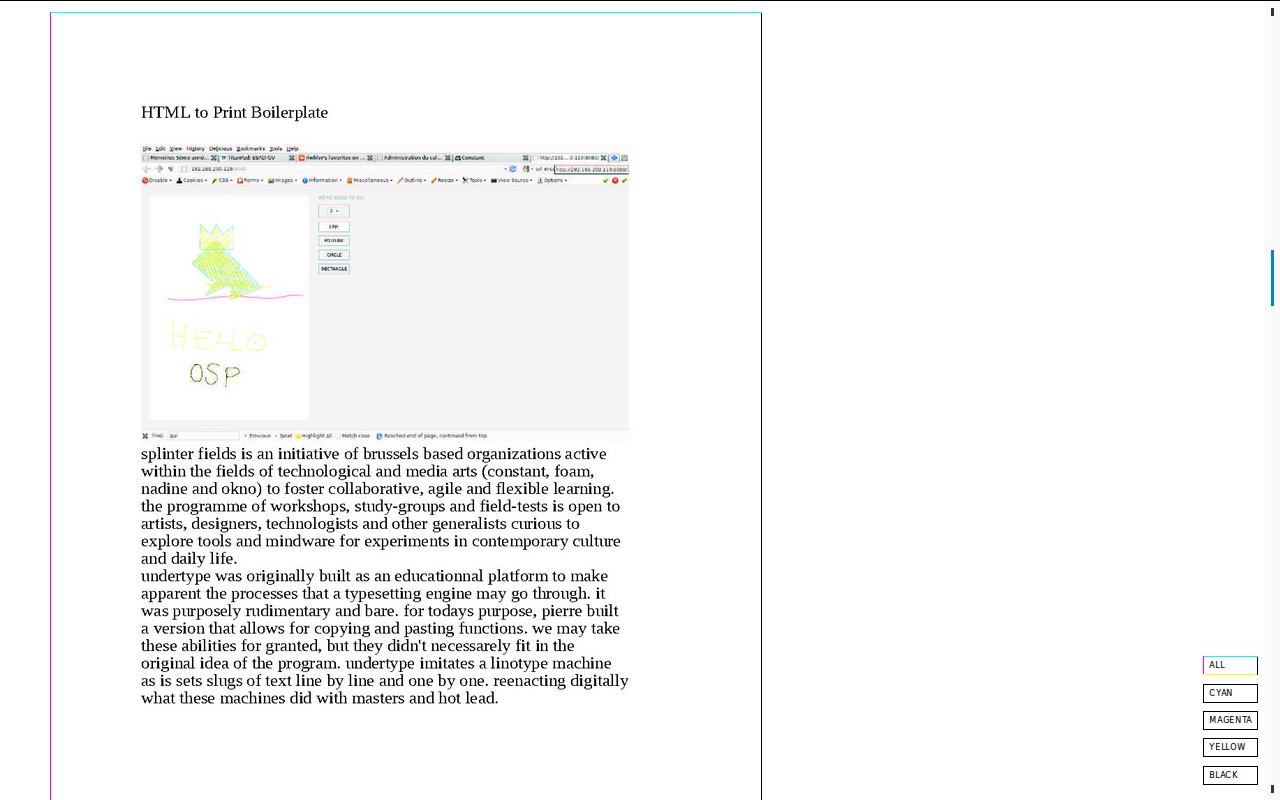
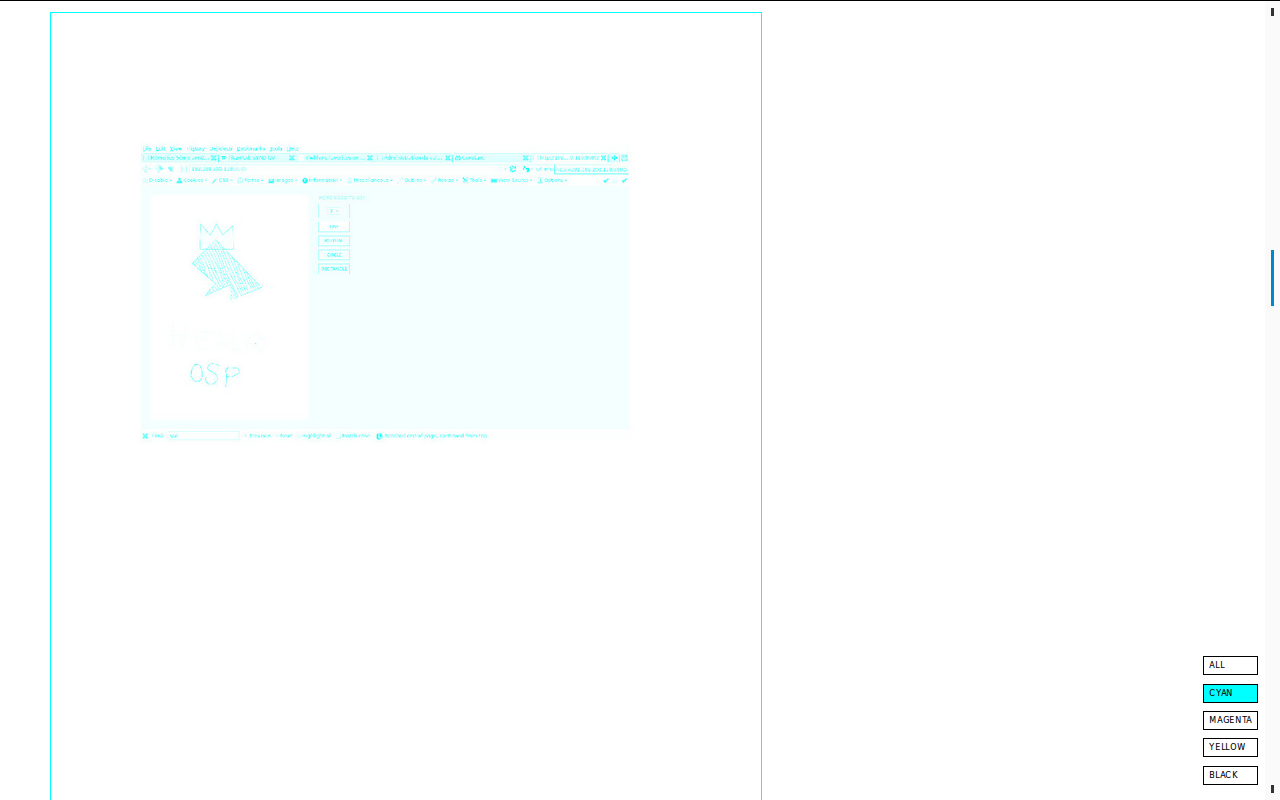
Web interface for coloured preview of each plate:
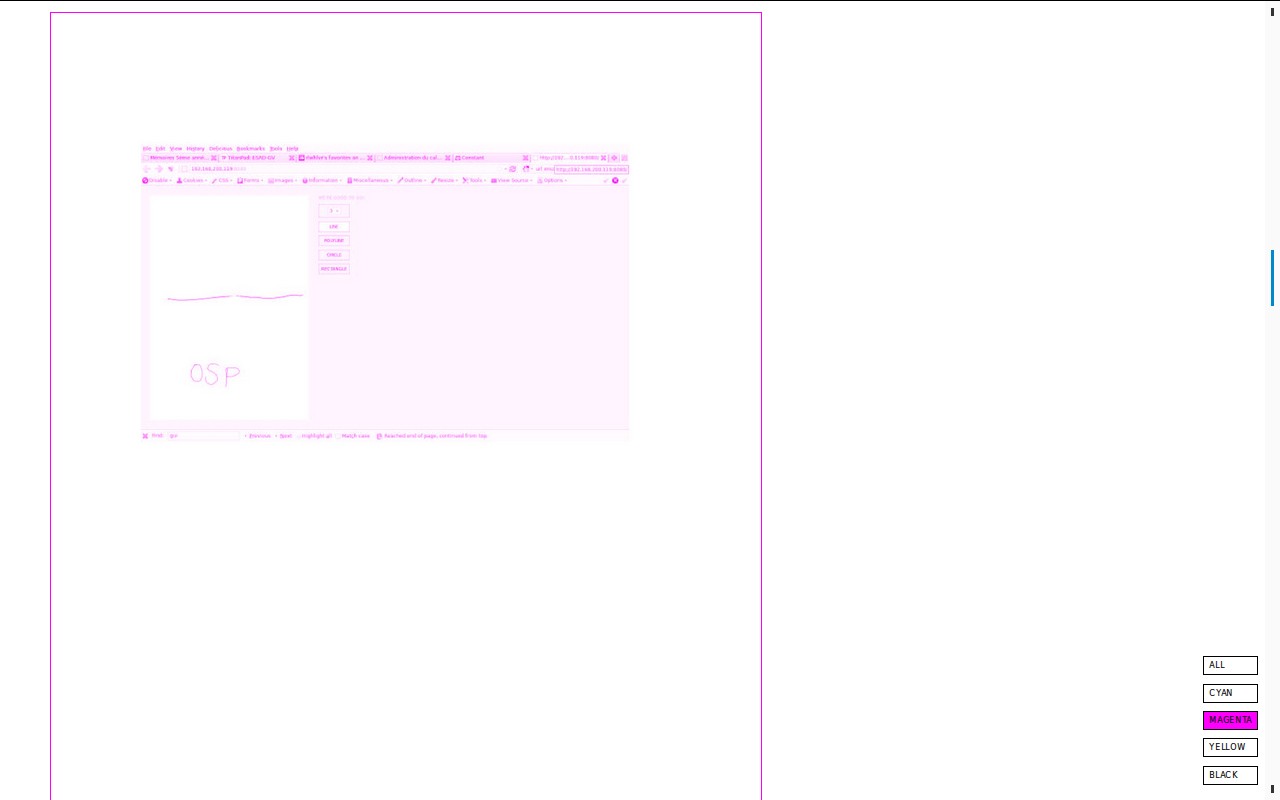
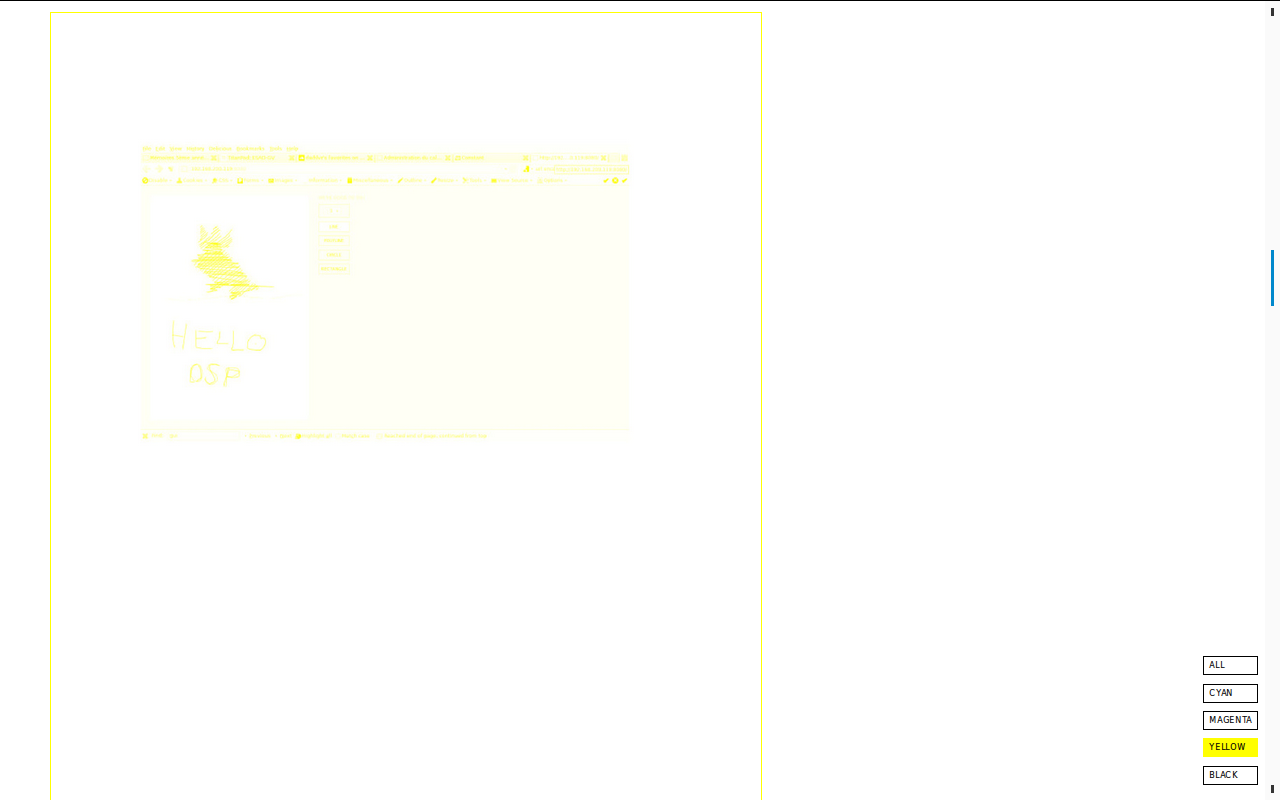
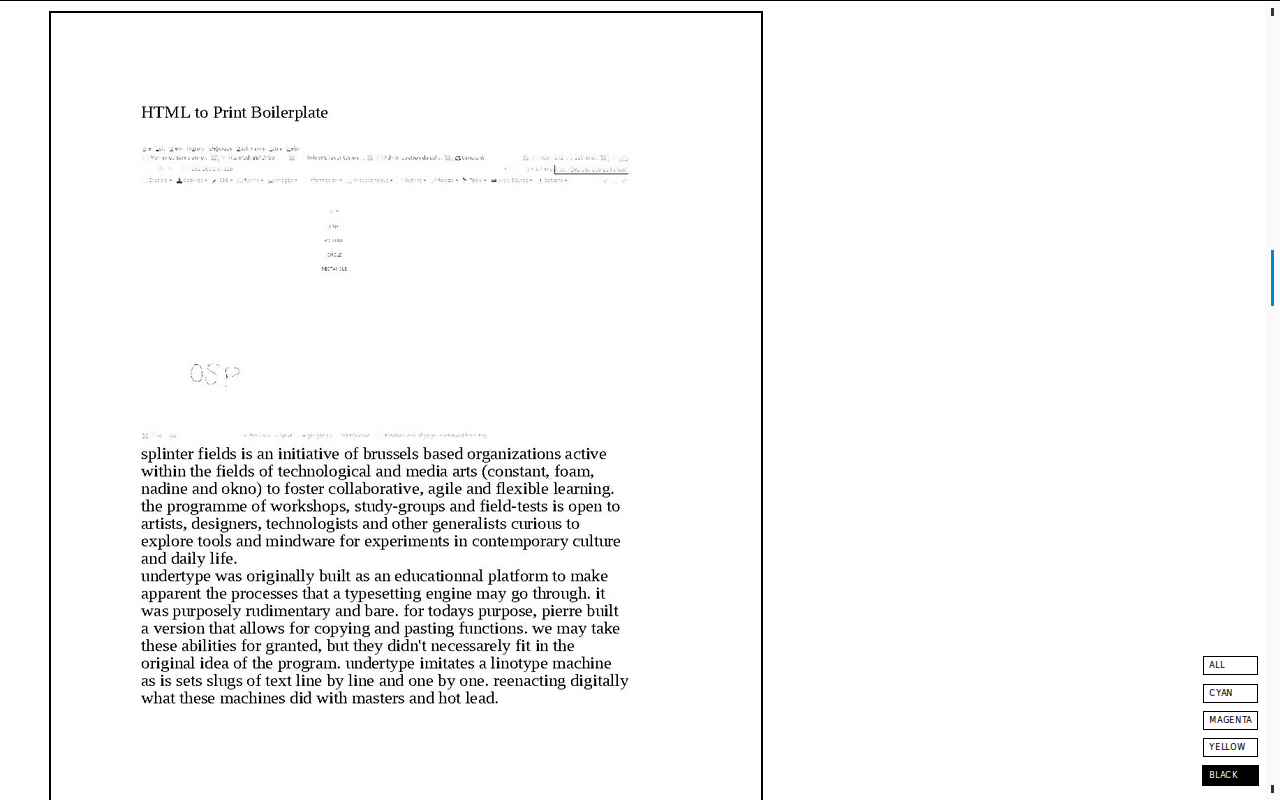
By zooming out, you can see several pages at the same time: