Download raw (4.6 KB)
VISUAL CULTURE GIT VIEWER
=========================

# <http://kisskissbankbank.com/visual-culture-a-tool-for-design-collaboration>

OSP Visual Culture Git Viewer
-----------------------------

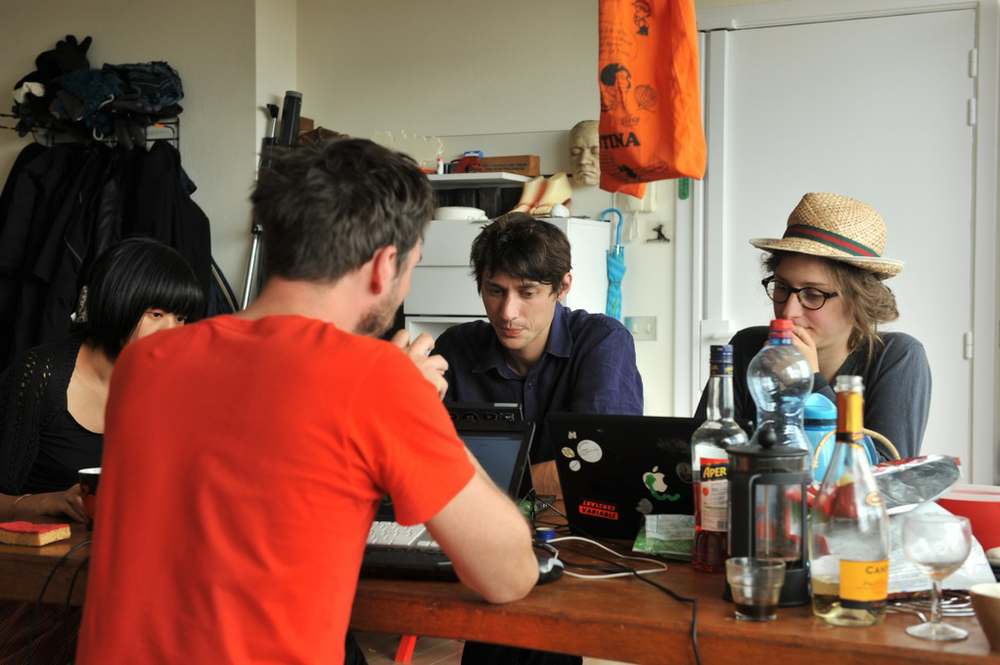
We are Open Source Publishing. A group of designers working in Brussels. We make books and posters and websites, and we do that using only Free and Open Source Software. That is because we feel it is important to have an intimate relation with our tools. If all designers use the same tools made by the same company, this is bound to make us less creative and less relevant.

For working together and sharing our source files, we use a system called Git. This system, originally developed for computer code, is great to work together. Yet when we started sharing our source code through the internet, we found all interfaces to git were geared to sharing text files. We want to create an interface for sharing our work

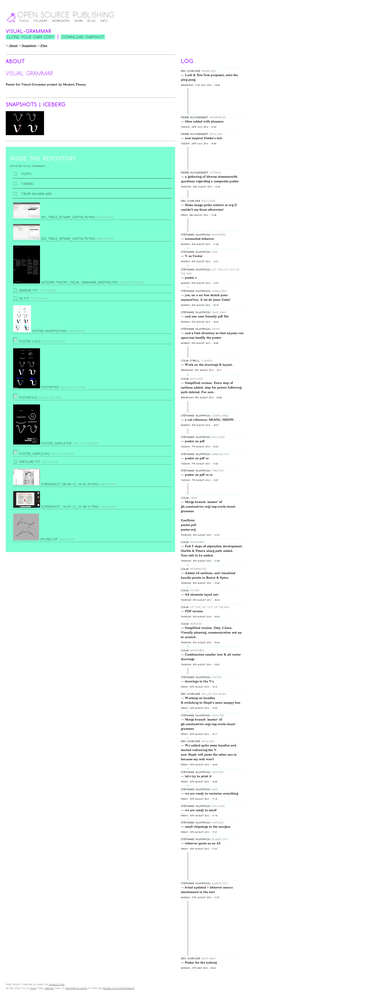
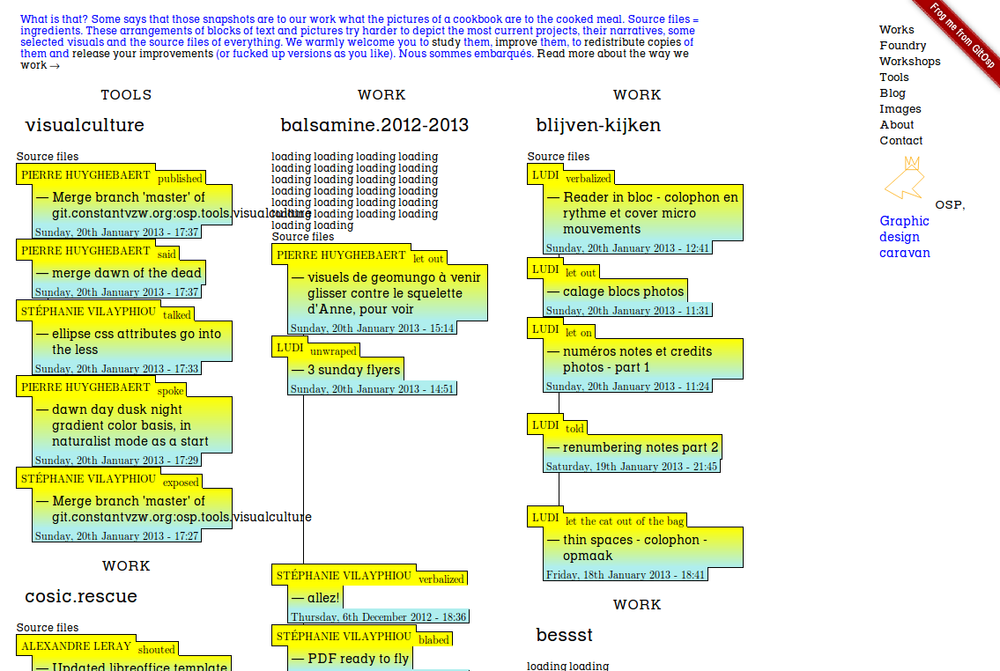
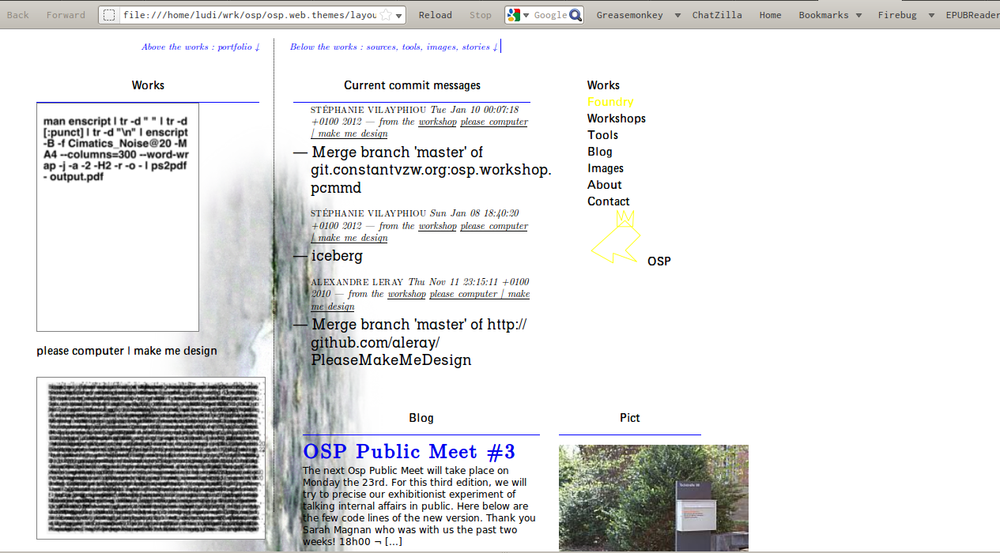
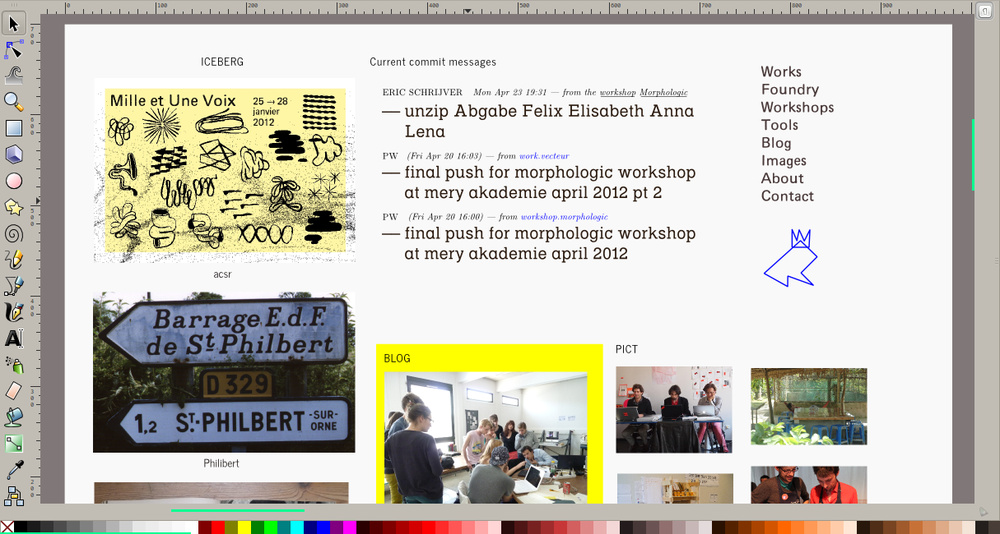
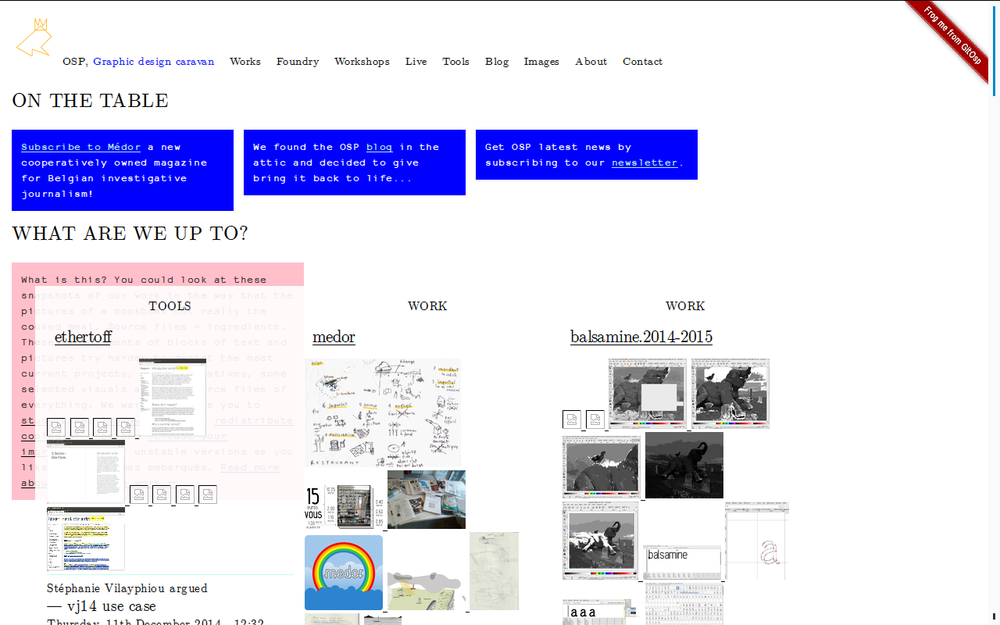
We have been displaying the contents of our repository in a more graphic way on our web-site: showing previews in the filelistings of the fonts and the illustrations and the pdf’s. You are now browsing through the code that makes this possible. We want to take this a whole step further still, and build this into a platform where you can in a visual way view the development of your graphic design projects, the changes in between files, and comment and share and make visible your process. [Please support our crowdfunding campaign!](http://kisskissbankbank.com/visual-culture-a-tool-for-design-collaboration)

- - -

* Note: this is for installing the Visual Culture API
  for working on the OSP website, there is a more simple
  application that interfaces with the API.
  See README-OSP.txt *

Installation
============

## OS Dependencies

### Debian / Ubuntu

Libgit2 needs to be compiled from source:

    sudo apt-get install build-essential cmake
    mkdir -p ~/src
    cd ~/src
    curl https://codeload.github.com/libgit2/libgit2/tar.gz/v0.21.2 | tar xvz
    cd libgit2-0.21.2
    mkdir build && cd build
    cmake ..
    cmake --build .
    sudo cmake --build . --target install
    sudo ldconfig

Note: if you have this error:
    ImportError: libgit2.so.0: cannot open shared object file: No such file or directory

Do:
    export LD_LIBRARY_PATH=$LD_LIBRARY_PATH:/usr/local/lib

### OS X

Note that you need to install version 0.21, so a simple

    brew install libmagic libgit2

might not work. Check https://stackoverflow.com/questions/3987683/homebrew-install-specific-version-of-formula
or install from source.

## Python modules

Next to the modules mentioned in README-OSP.md you should install the following python modules into your virtual environment:

pip install "python-magic<0.5"
pip install "pygit2<0.22"


## Setting up django

From inside the `visualculture` folder:

    cp settings.py.example settings.py

In the settings file, you will at least need to change the `GIT_ROOT` setting.
This is the folder that Visual Culture will scan for git repositories.

Then run:

    python manage.py syncdb

You can then use `python manage.py runserver` to run the application. Visit
within a browser the URL `http://localhost:8000/`.


Adding vc image rendering components
------------------------------------


### Image support

pip install pillow


### PDF-SUPPORT: Poppler

#### Ubuntu/Debian

    sudo apt-get install libpoppler-cpp-dev libpoppler-qt4-dev libboost-dev libboost-python-dev libboost-system-dev libboost-thread-dev

Debian note:

1 remove the leading 'lib' from the resulting library filename
2 drop it wherever Python can find it and it will be available as a module
3 because the Debian we run on doesn't have libpoppler-cpp, I got the 0.20 tarball, compile it and installed it in the venv we use for this deployment, then adjusted PKG_CONFIG_PATH to make cmake find it

Then:

    mkdir build && cd build
    cmake ..
    make
    ln -s libvc_poppler.so ../../visualculture/visual_culture/readers/vc_poppler.so


#### OSX

    brew install poppler boost


### FONT-SUPPORT

    sudo apt-get install python-fontforge fontforge


#### OSX

    brew install fontforge


Maintenance
===========

### Empty the cache

    rm -rf {MEDIAROOT}/cache


Folder structure
================

- iceberg: images showcasing Visual Culture
- vc_pypoppler: Poppler library for PDF support in case you can't install it with your package manager
- visual: this is where Visual Culture will store its cache of rendered images during development
- visualculture: project folder
    - git_info: visual culture api
    - osp: OSP's django website
    - templates: templates for error 404 and 500
    - test_browser: a test browser
    - vc_cache: cache folder
    - visual_culture: readers of different file formats